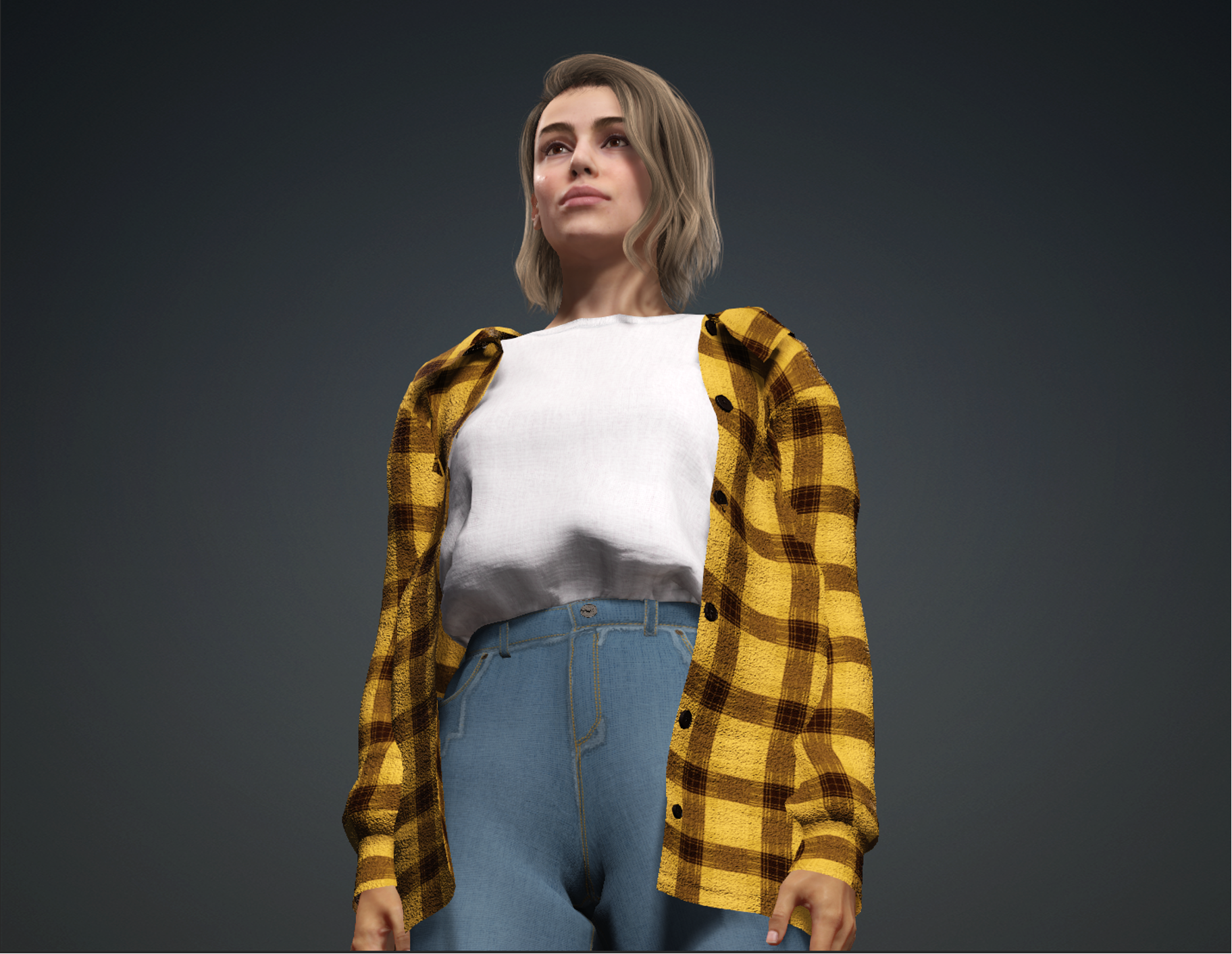
I’ve created a 3D video that showcases the active noise cancellation feature of AirPods Pro. The aim was to make a video that’s both informative and visually engaging, focusing specifically on this advanced feature of the AirPods.
The project was carried out in several steps. First, I started with writing a script. This was like planning a story for the video, deciding what to show and tell about the AirPods’ noise cancellation. Next, I made a storyboard. This was like drawing a comic strip to show what each part of the video would look like, scene by scene.
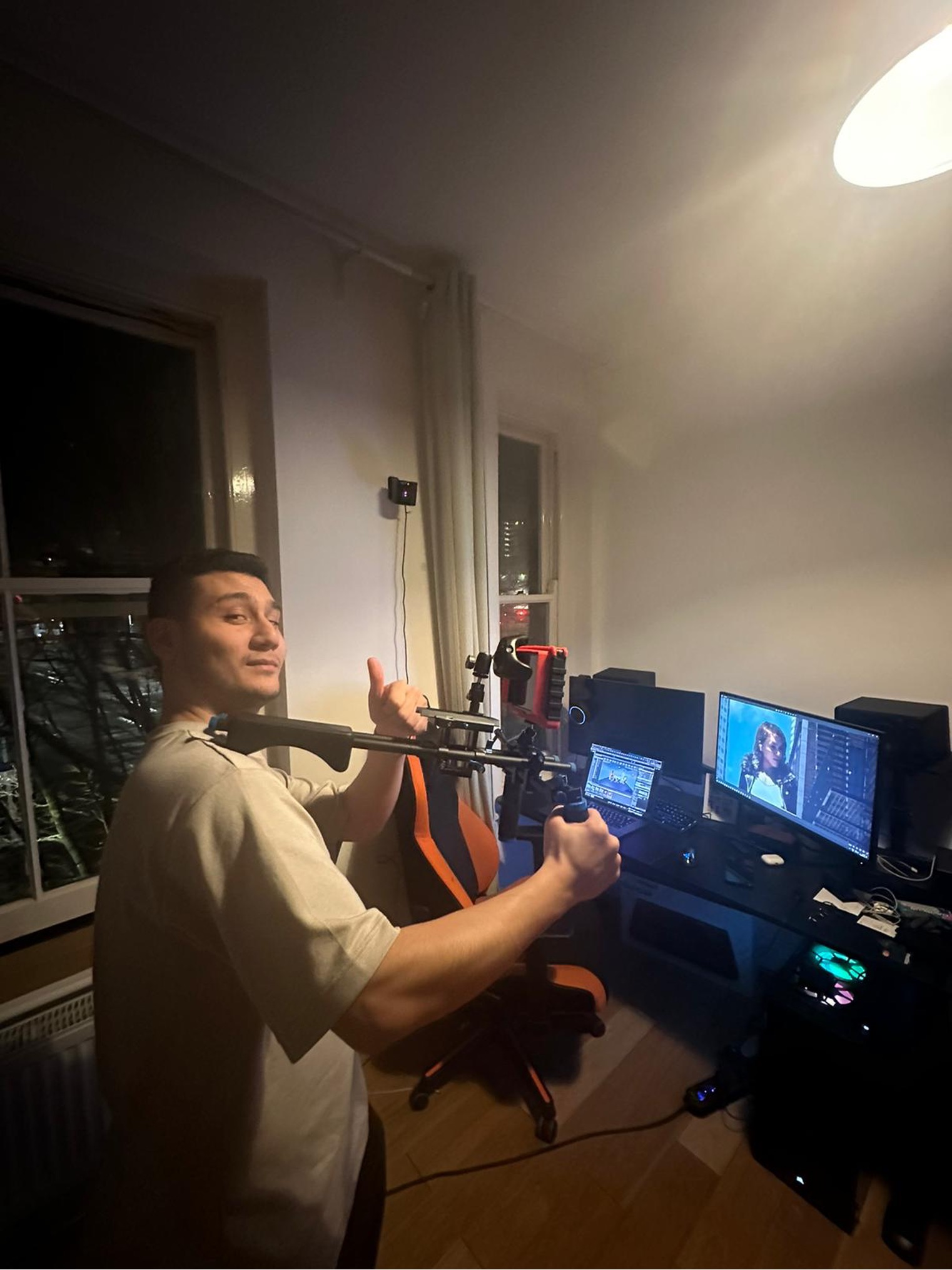
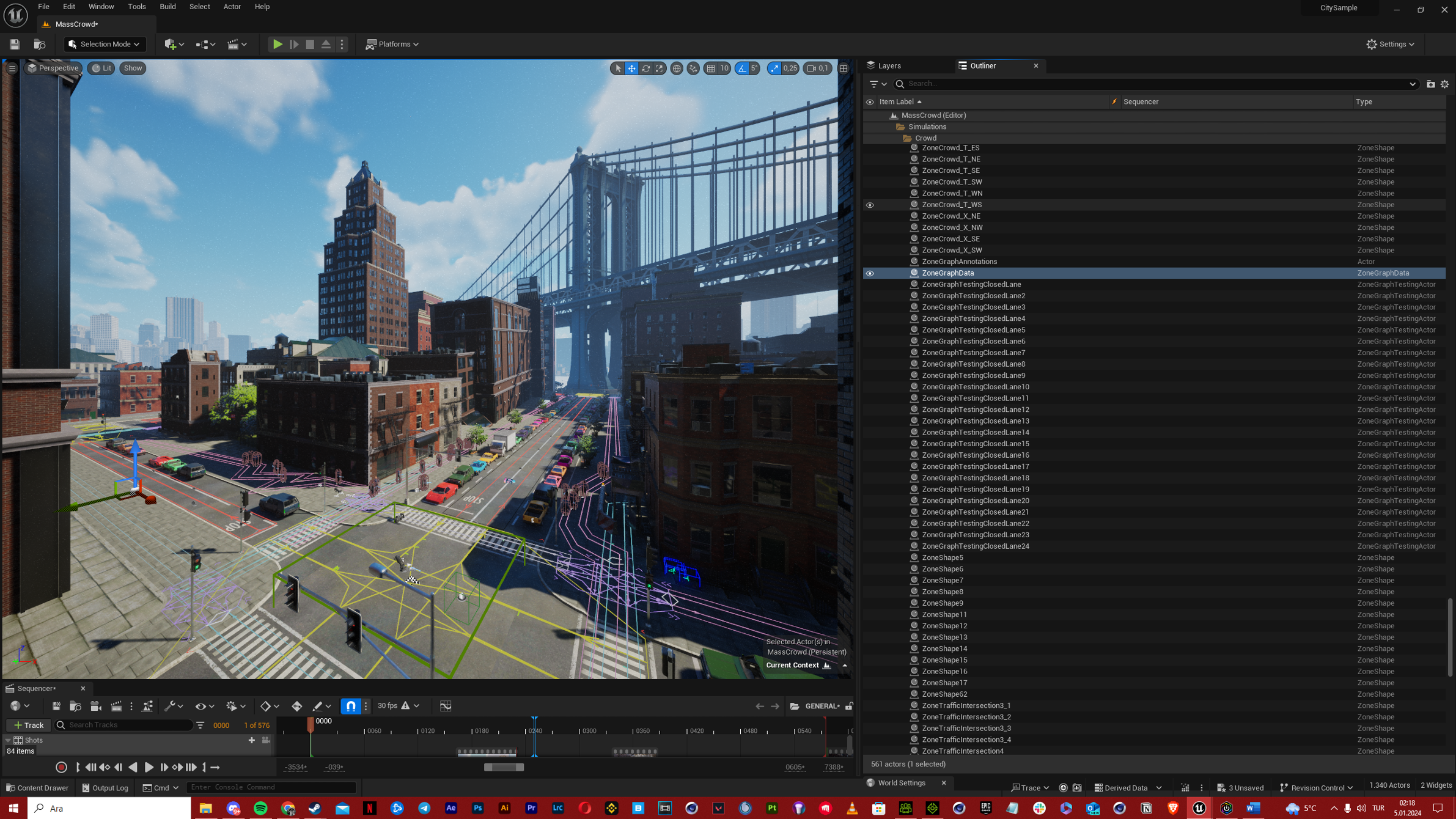
After the storyboard, I moved to the pre-production stage. Here, I prepared everything I needed for the video, like the 3D models and the tools for animation. Then came the production stage, which was all about actually creating the video, bringing the storyboard to life with animation and sound.
Lastly, in the post-production stage, I worked on editing. This meant putting all the parts together, making sure everything looked right, and adding final touches to improve the video.
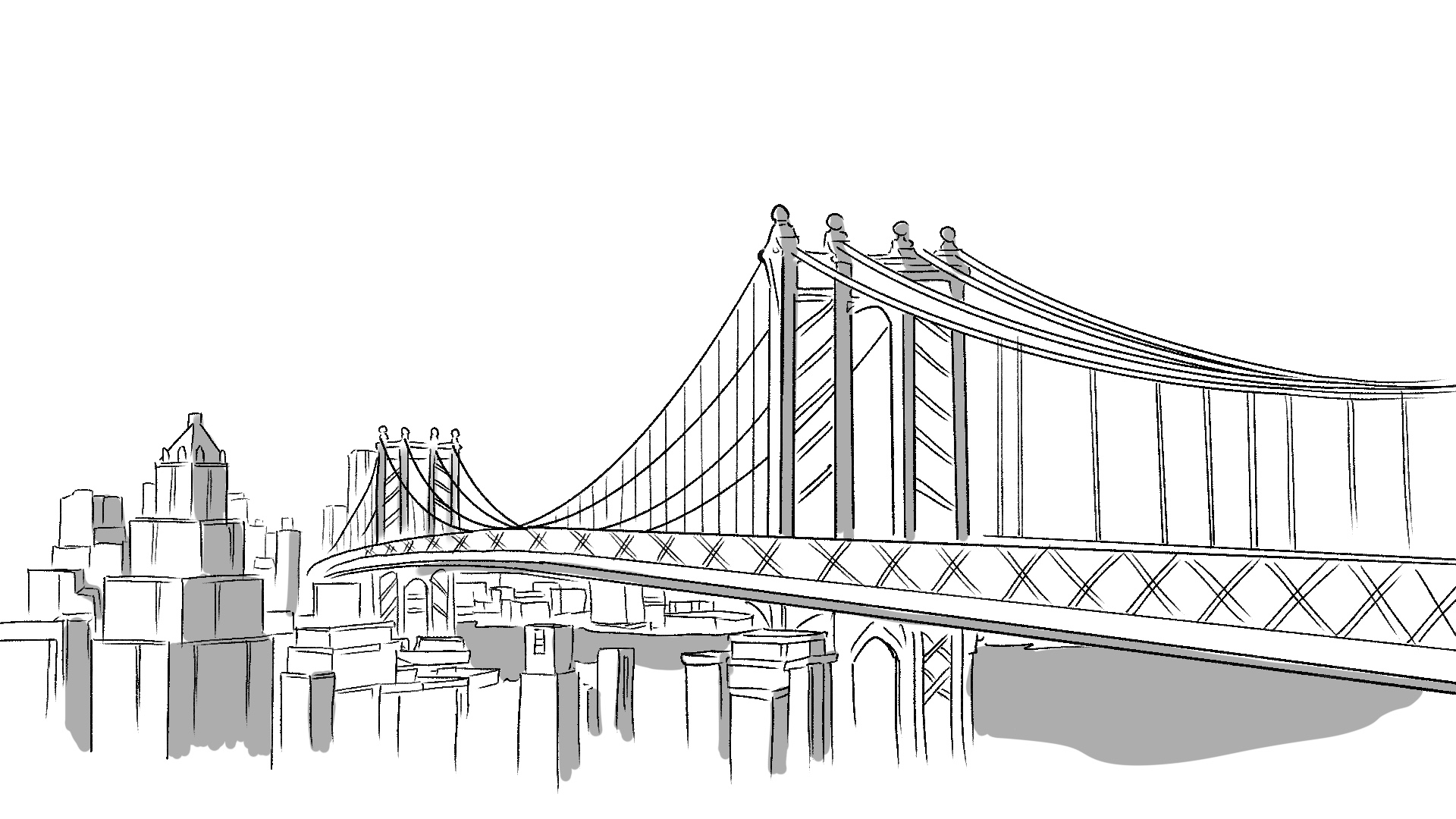
A busy city morning with a train passing by, the sound of police sirens in the distance.
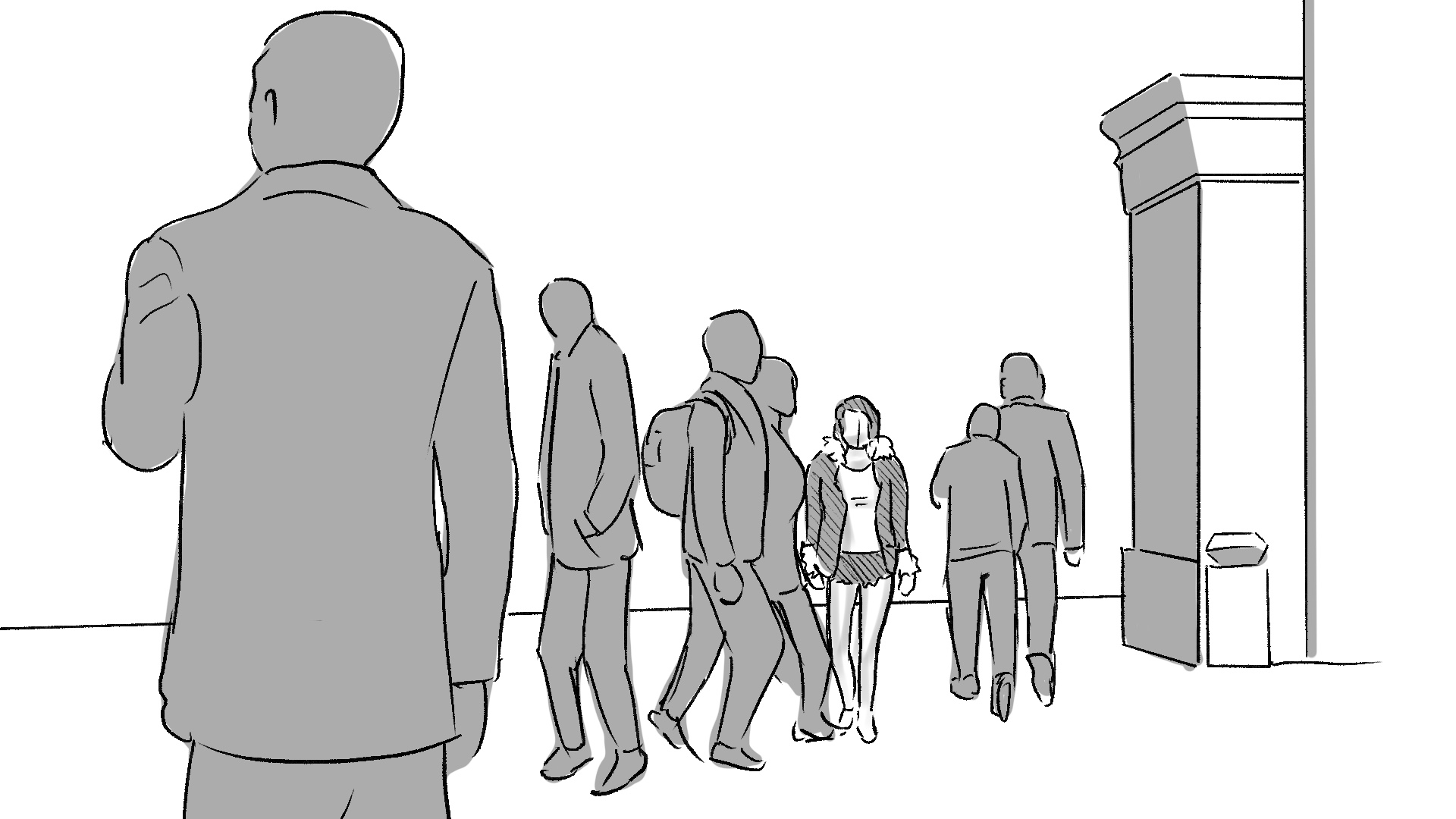
The camera captures the hustle of pedestrians on a busy street
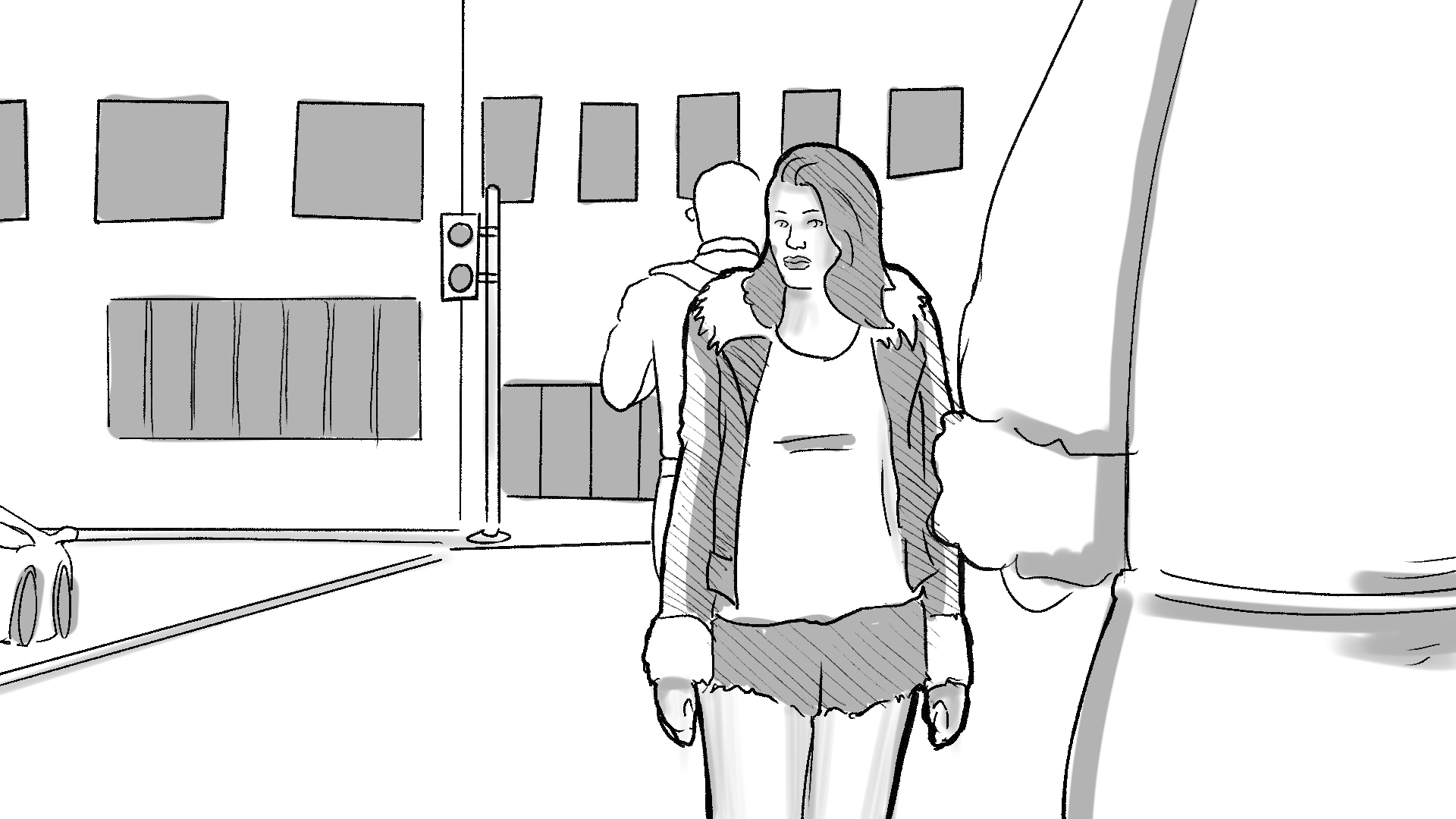
A moving camera which follows the main characters face expression
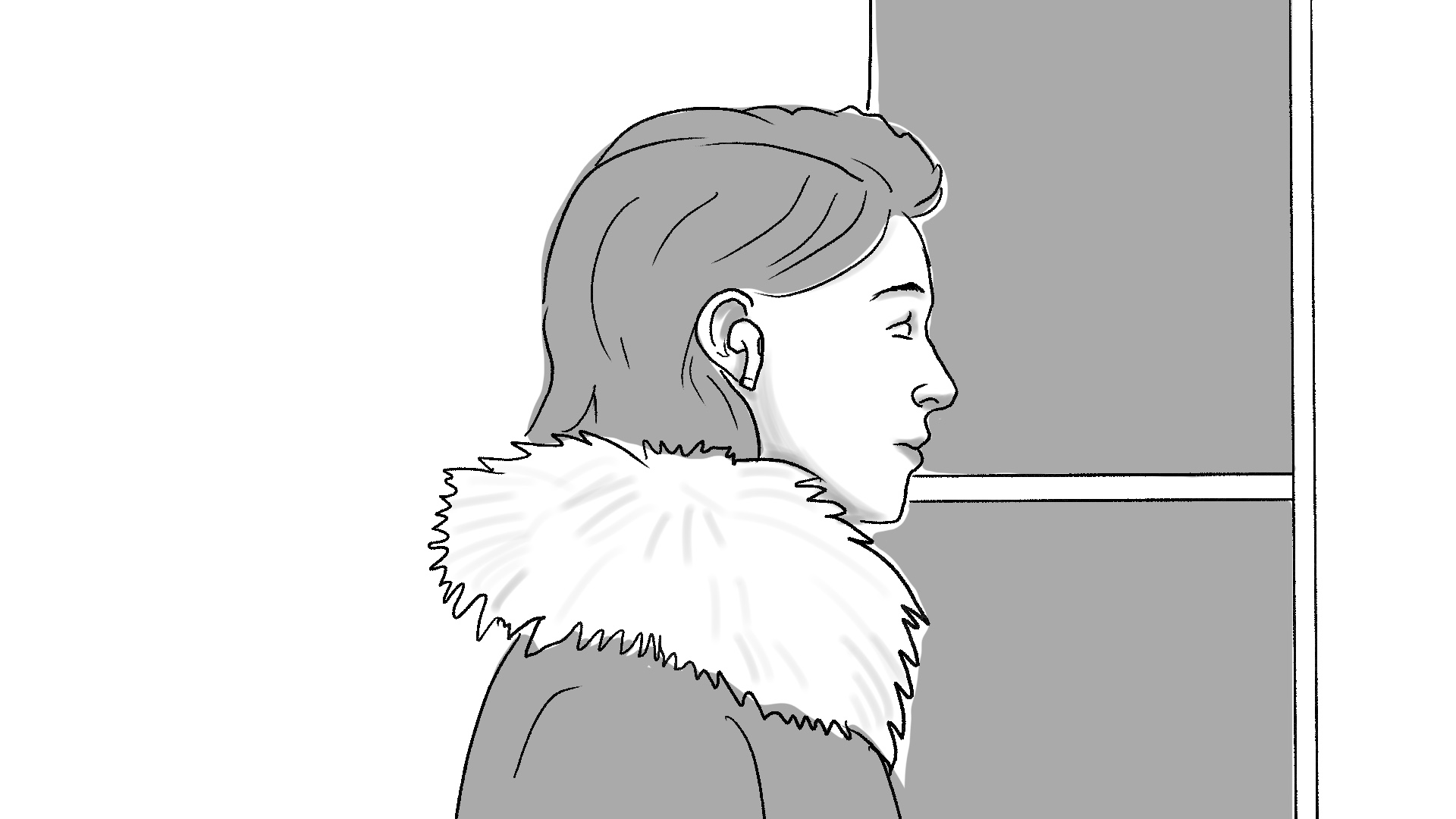
A very close up shot to the character face while using the Airpods Pro
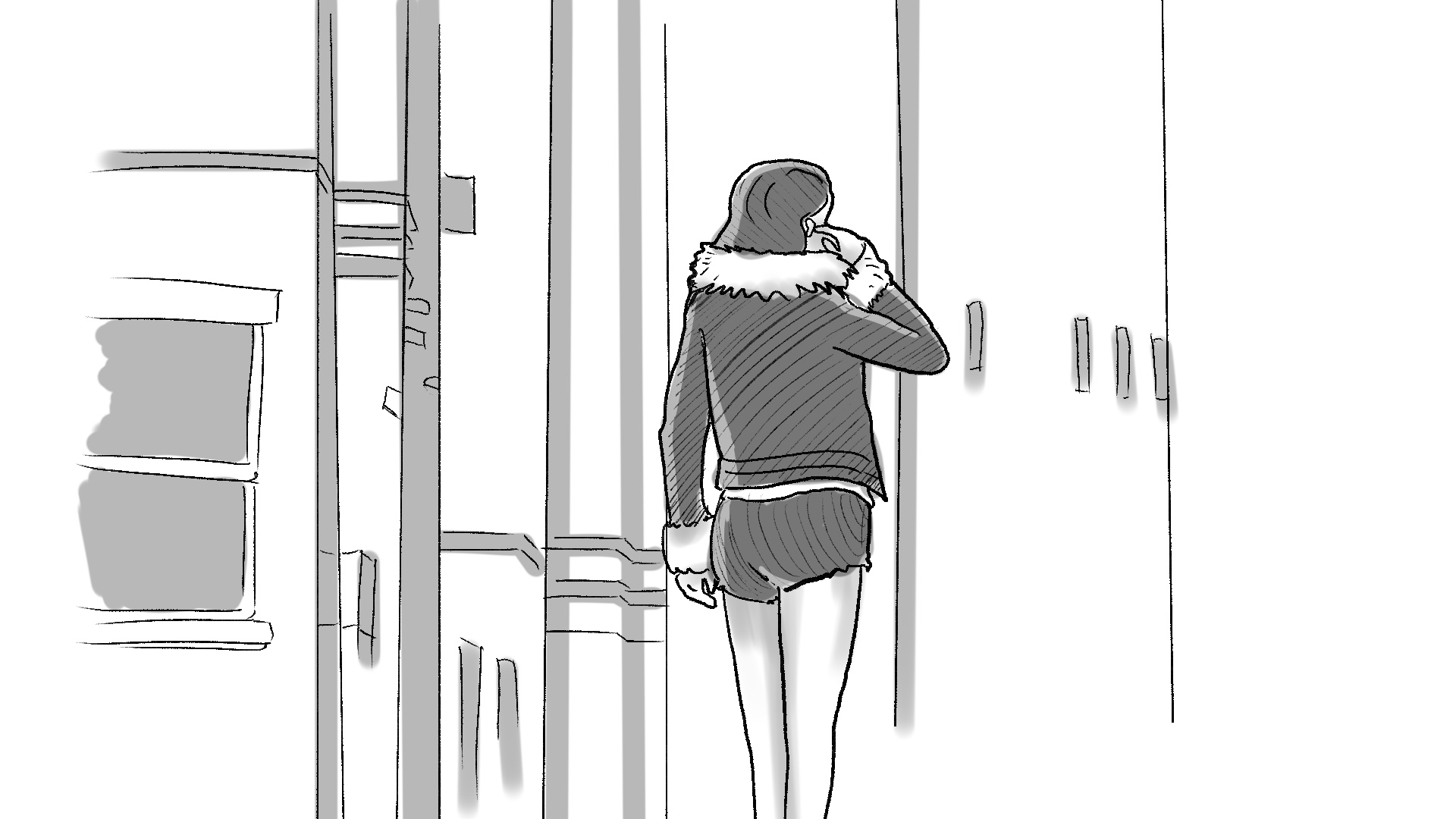
The character stands at the street after distracting the noise and using her hand to activate the Airpods Pro’s ANC feature
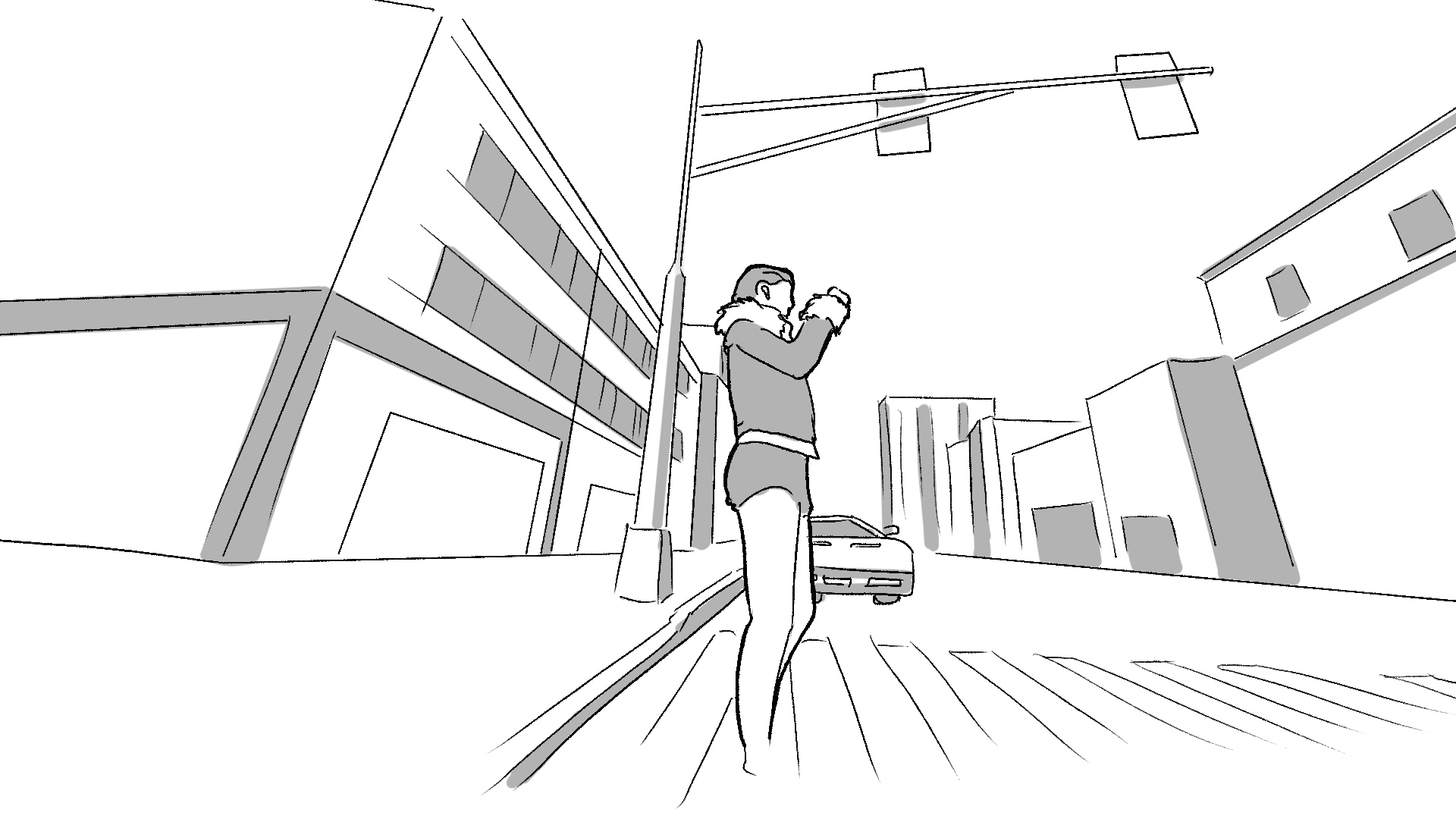
A rotating camera before she activates the airpods feature
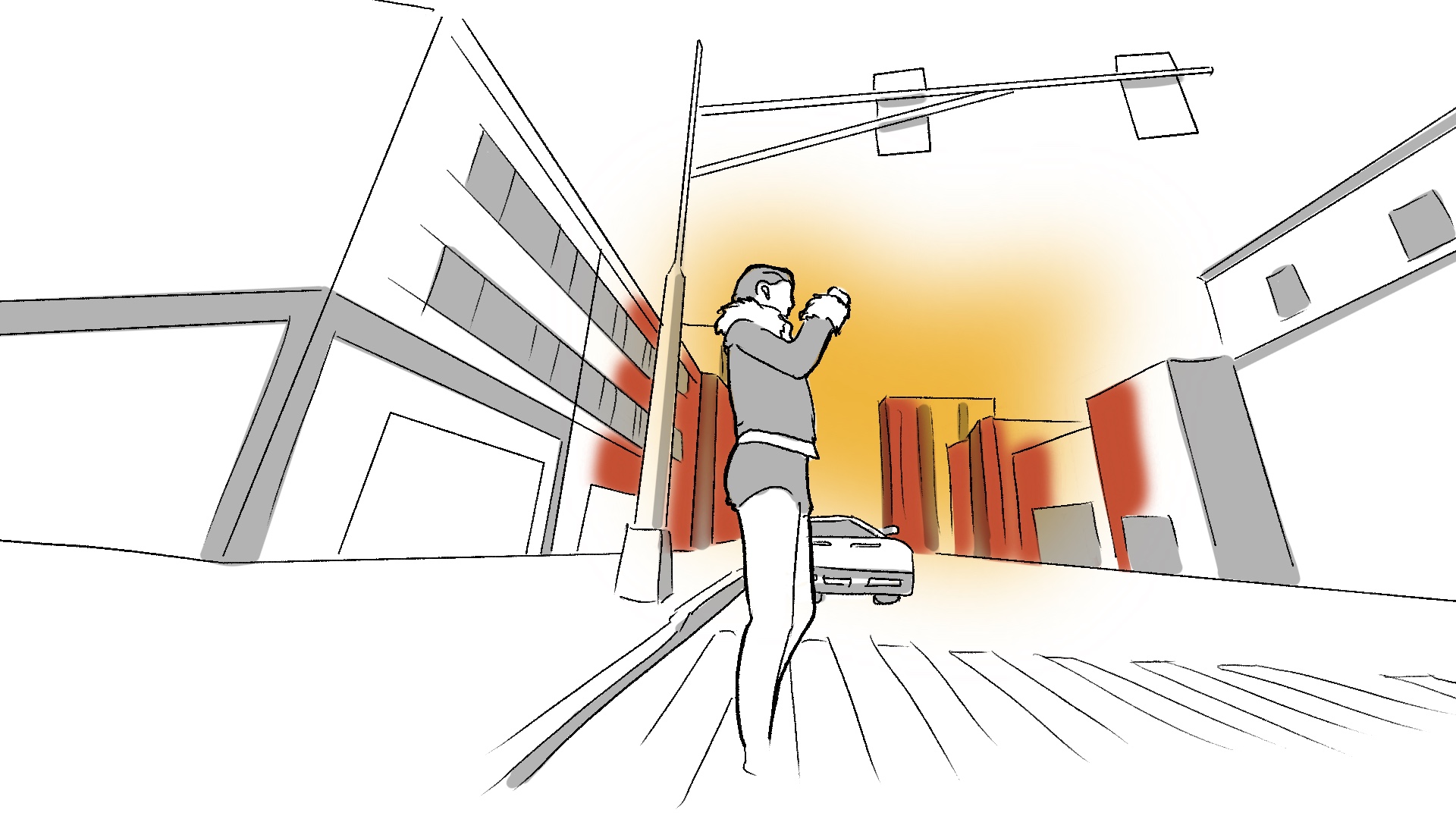
When she activates a colorful scan effect appears.
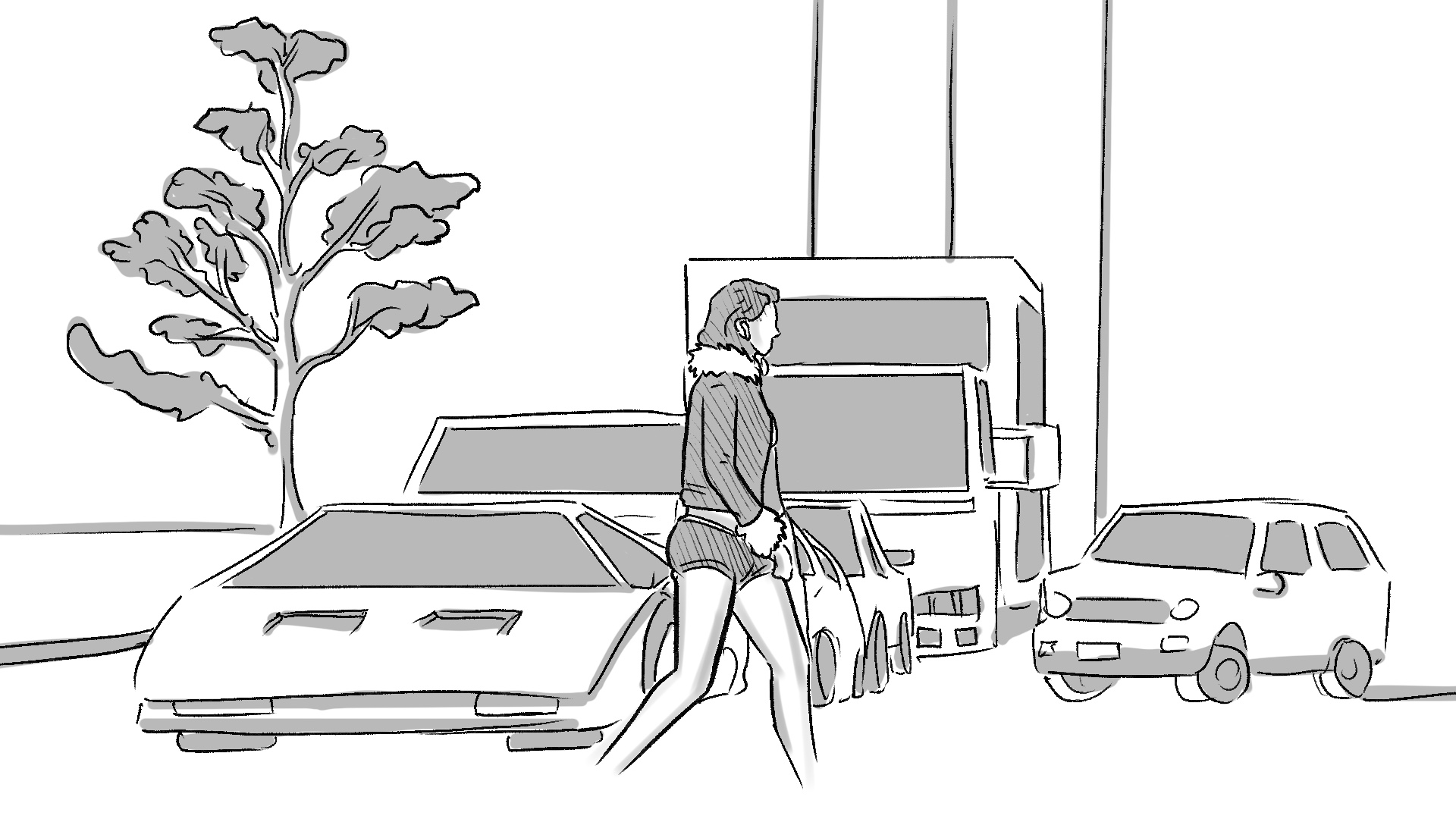
She starts walking on the street after the rotated camera

A close up rotated animation of airpods pro
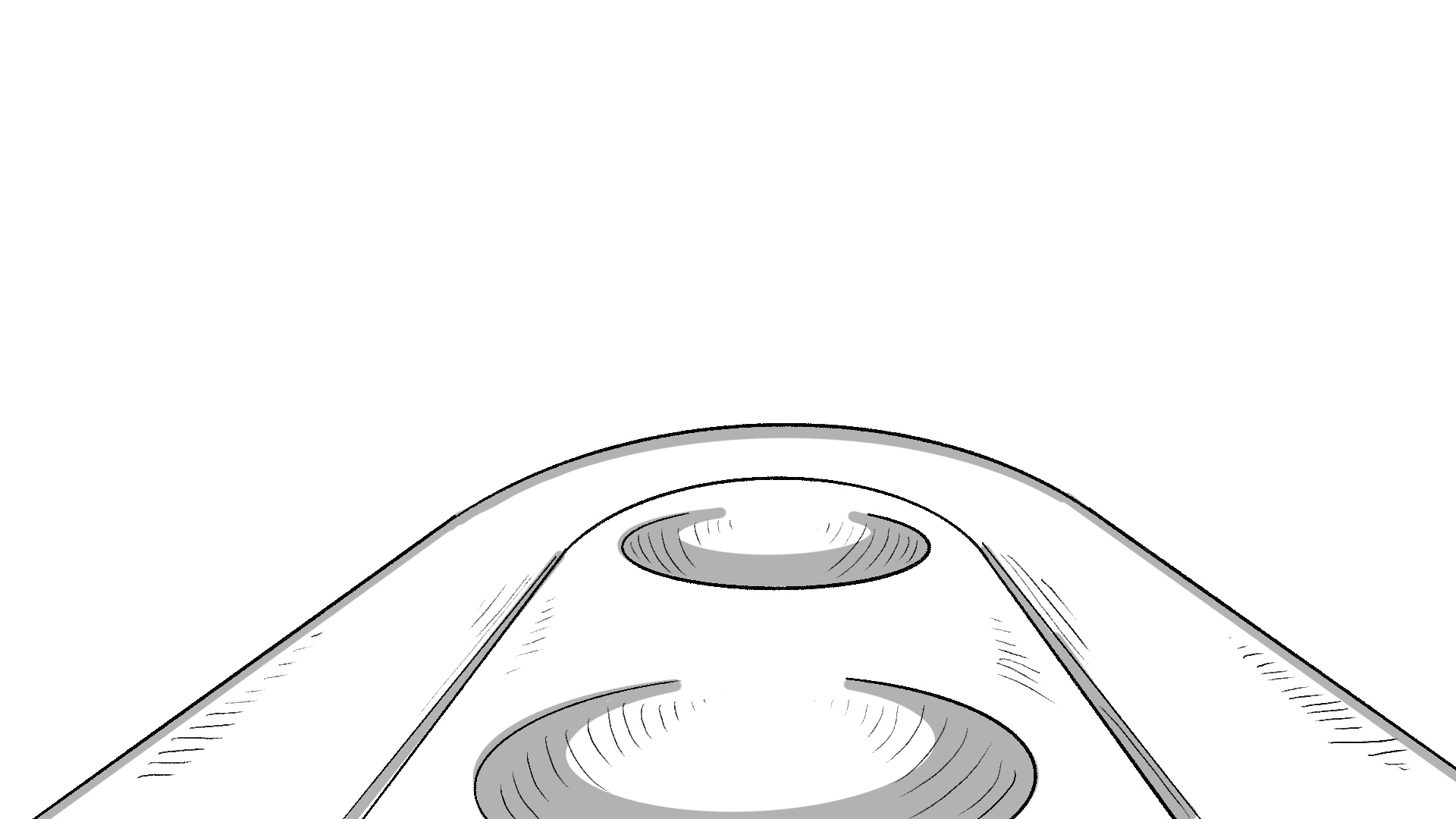
A close up camera animation of airpods pro’s case
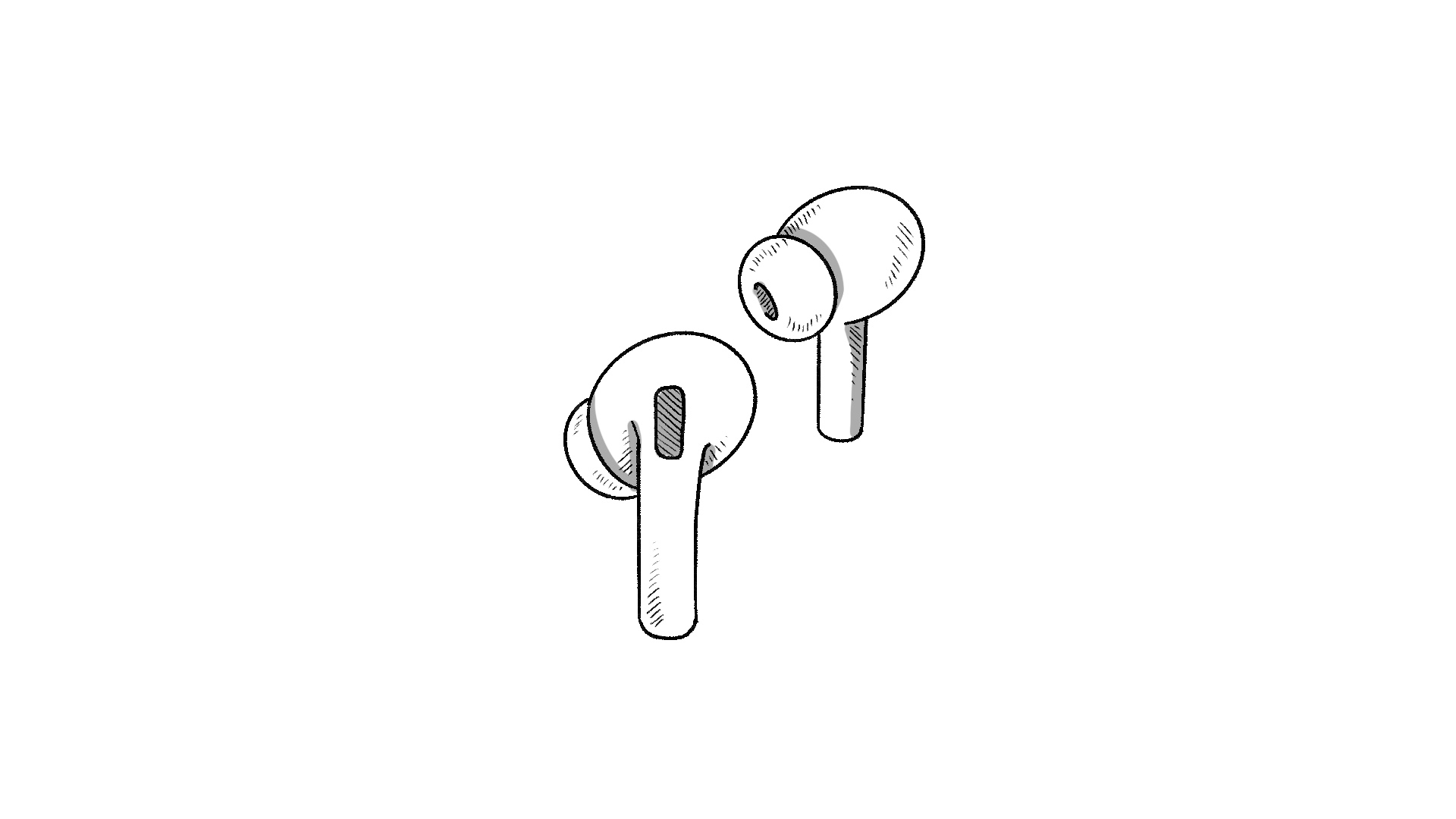
A close up rotated a of airpods pro
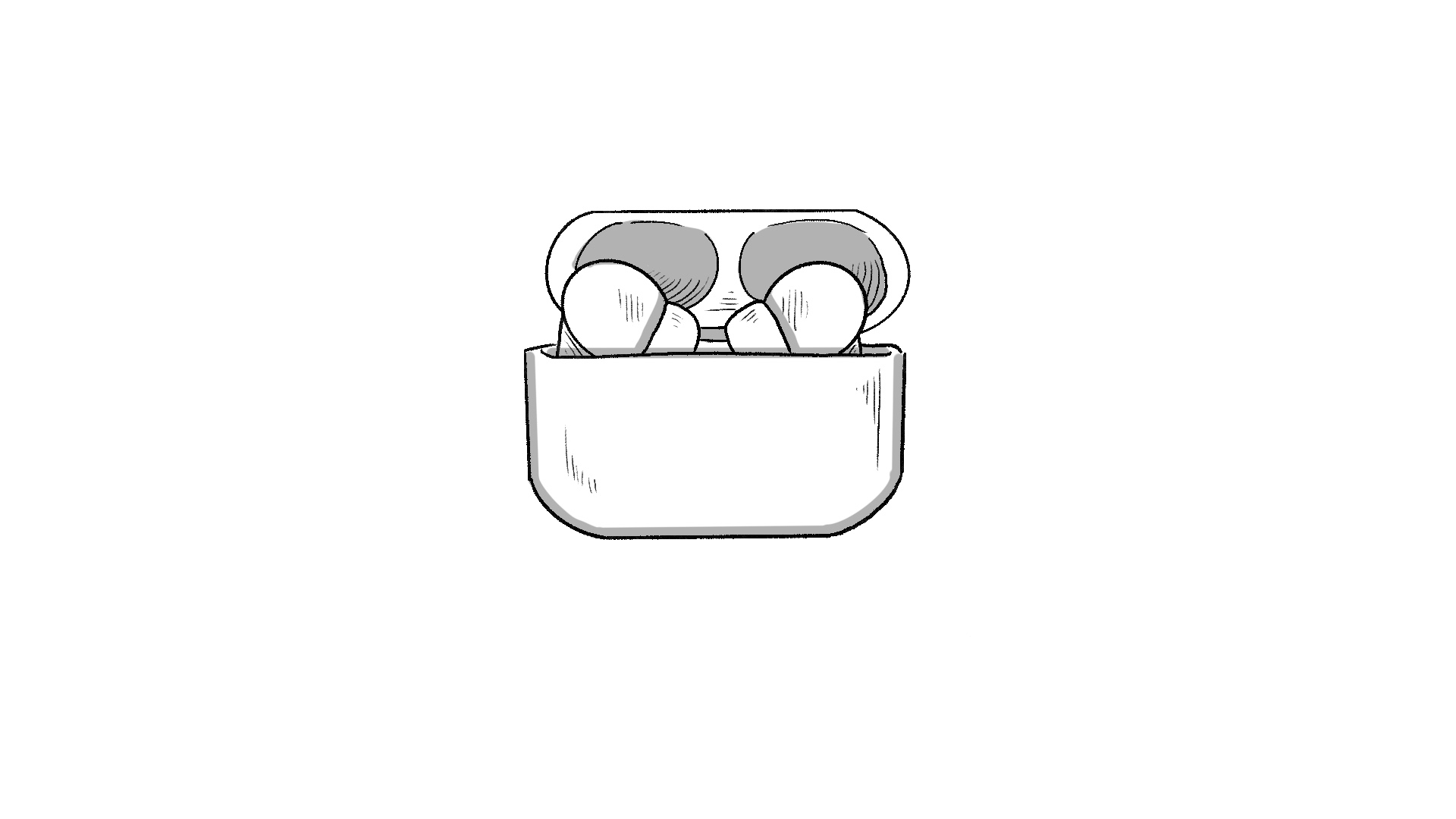
A close up rotated animation of airpods pro